Get your high-altitude companion
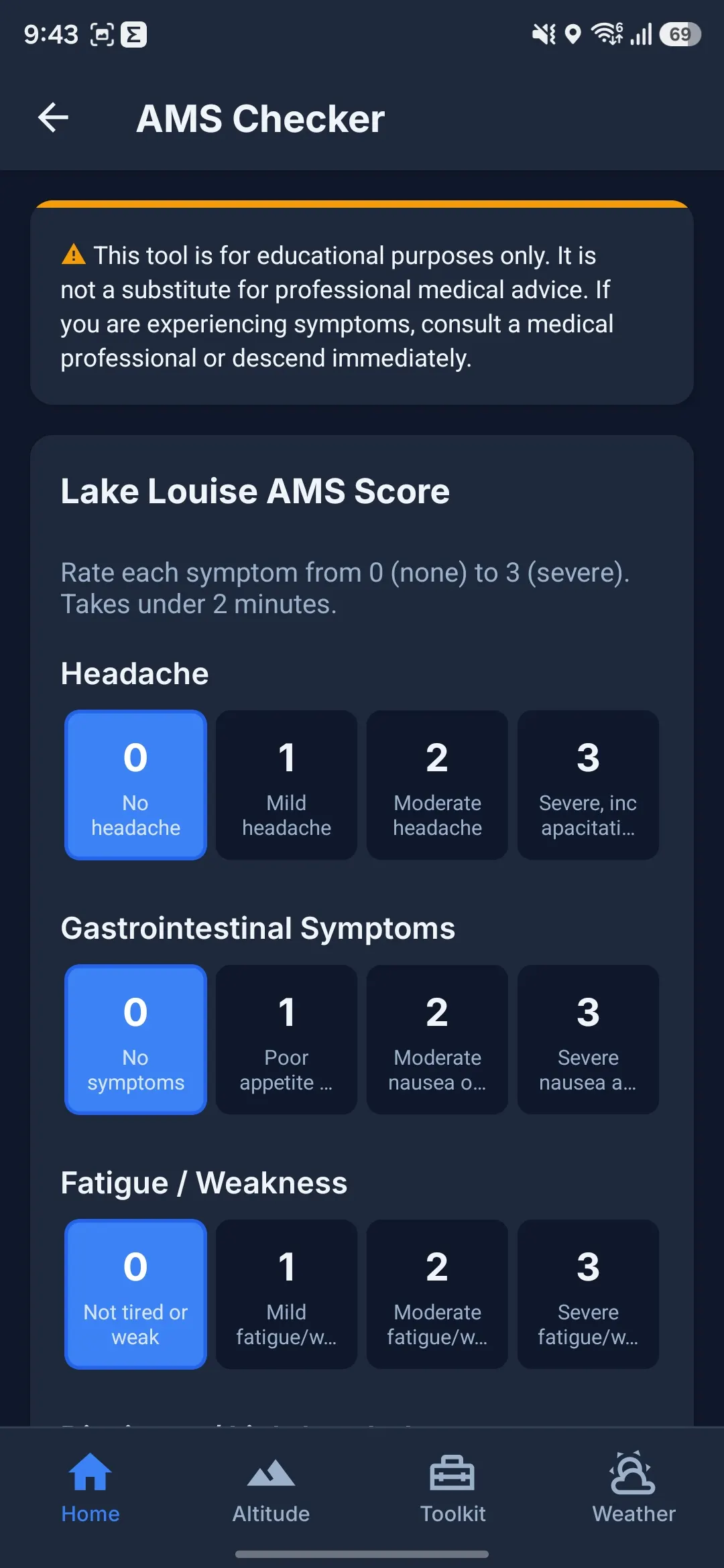
Equip yourself with real-time GPS tracking, offline map packs, barometer-backed altitude estimation, AMS diagnostic symptom logs, and morse SOS flashlights. Completely free and built for extreme mountain environments.
Scan to install
Point your phone camera at the screen to instantly load the official Google Play listing.
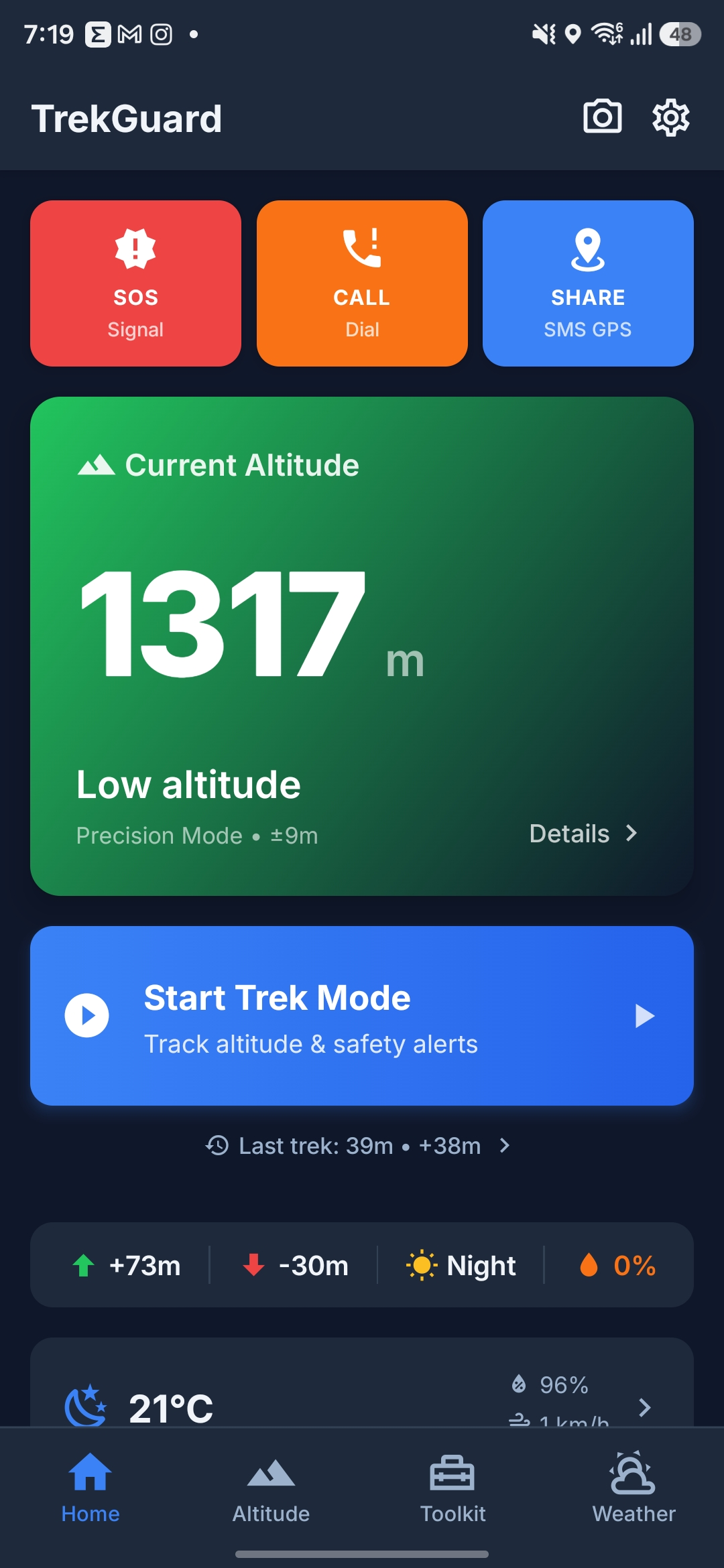
Altitude Dashboard
Kalman-filtered live GPS & barometer altitude tracking.
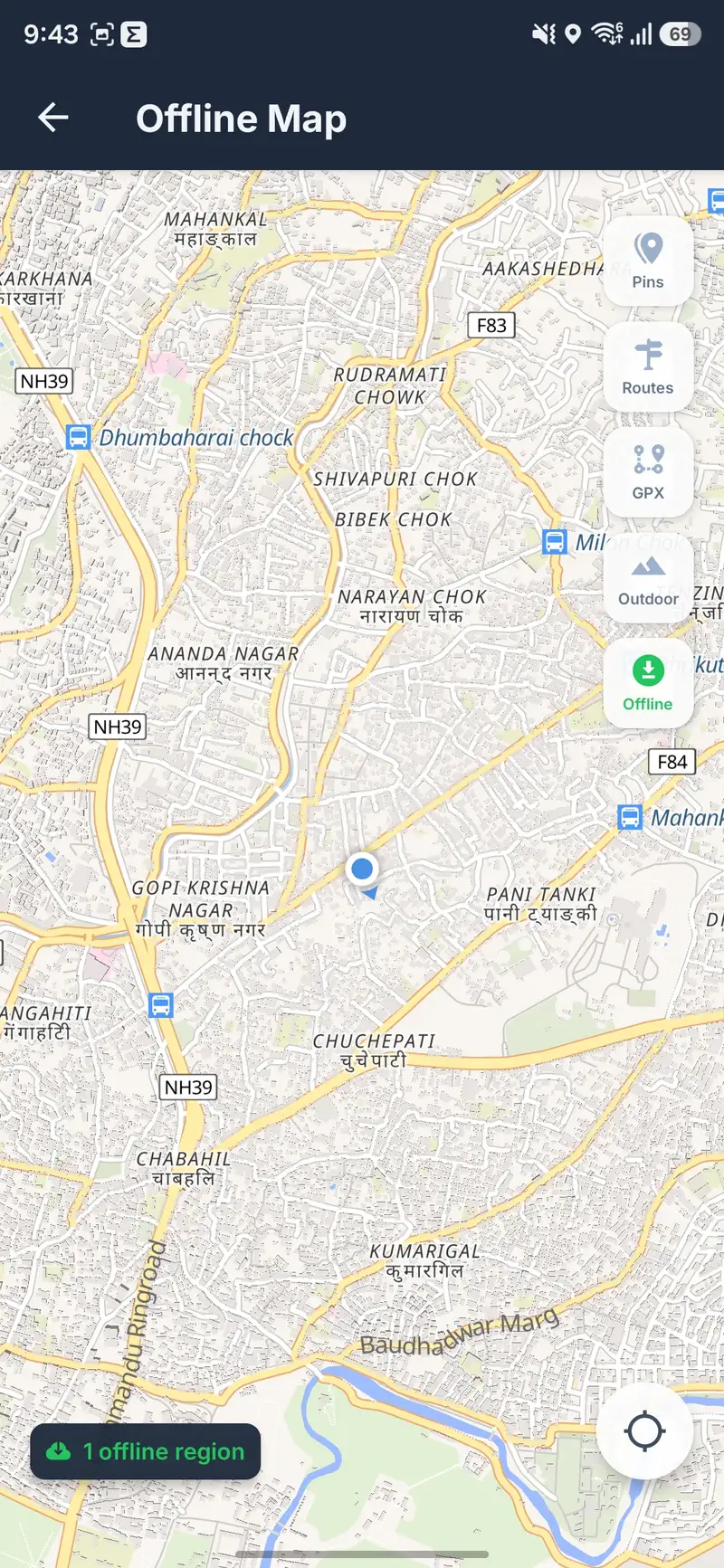
100% Offline Core
Download map packs, manage safety gear lists, and complete first aid logs fully offline on high passes.
Strictly Privacy-First
No online registration. Your routes and trek history stay on your phone — export a backup file in Settings when you change devices.
Completely Free
TrekGuard is built to prevent altitude-sickness casualties. No tiered subscription plans, paywalls, or ads.
Verified Secure
Published on the Google Play Store with full Play Protect validation. Safe, transparent open-source code.
Specifications
App metadata & requirements
Technical details for the TrekGuard Android build.
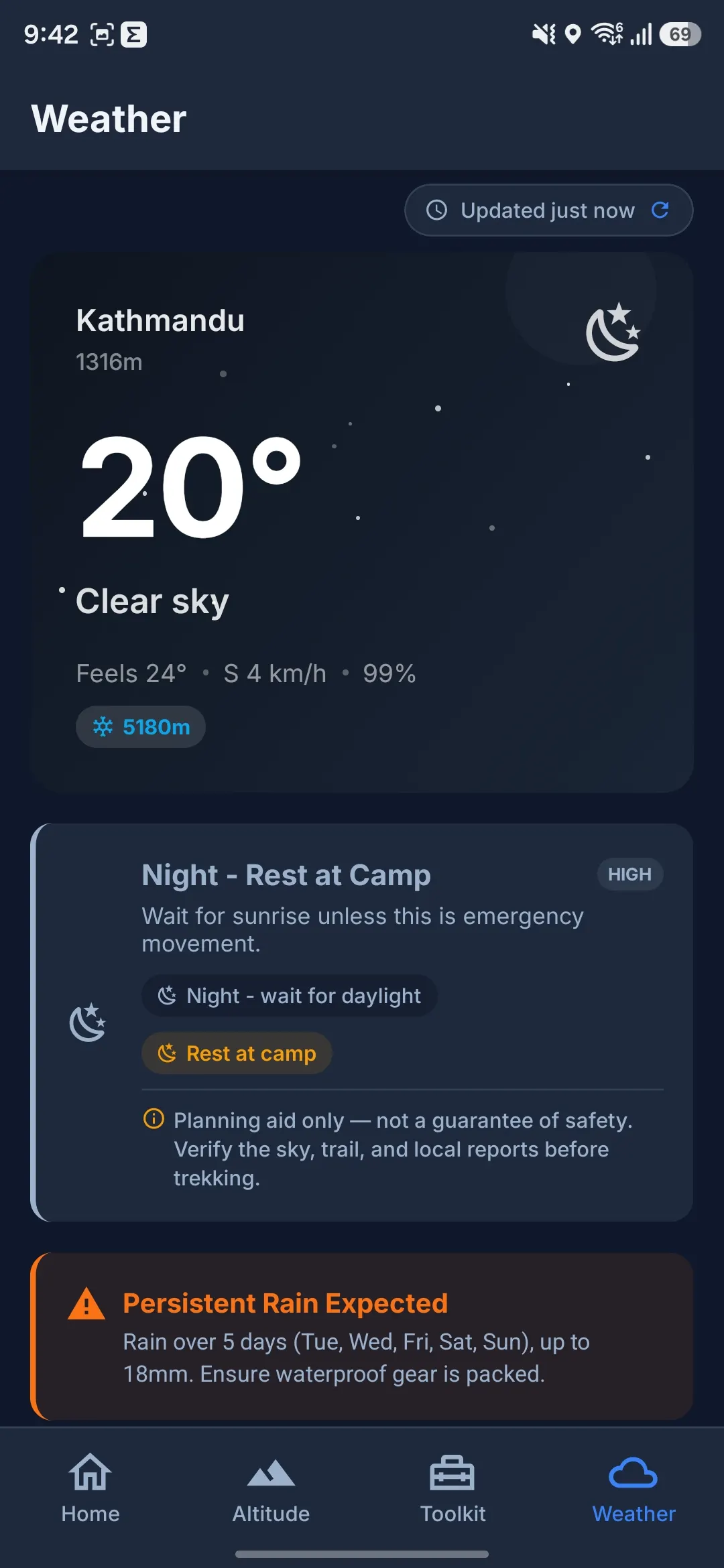
Planning aid — not a guide or rescue service. GPX lines, checklists, forecasts, and altitude readouts support your judgment. Trails, weather, permits, and illness can change faster than any app. Download offline map packs before signal ends; live map tiles and fresh weather need network. SMS SOS sharing needs cellular texting — not satellite.
Download FAQs
Everything you need to know about setting up and running TrekGuard offline.
Why is TrekGuard only available on Android?
TrekGuard is deeply optimized for background GPS collection, storage-efficient offline databases, and hardware sensors (like hardware barometers and flashlights) which Android makes fully accessible. An iOS release is under consideration for the future.
Do offline maps cost money?
No. The curated Nepal region packs and any custom area you download are 100% free — the maps use OpenFreeMap, which has no API key or usage limits. We recommend downloading map packs over Wi-Fi before beginning your trek.
Can I move my trek history to a new phone?
Yes. Open Settings → Data Backup, export your trek history to a .trekguard.json file, save it to Google Drive or email, then import on the new phone. Choose Merge to add new treks or Replace to swap the full history.
Can I use TrekGuard outside of Nepal?
Yes! While TrekGuard comes with preloaded Nepal trail directories and map templates, the core offline tracking, altimeter filters, compass, backtrack, and custom GPX import work seamlessly anywhere in the world.